Skip to content

TrendyPort

Port to the world of technology

  • Android
  • Android firmwares
  • Android Errors
  • Drivers
  • Flash Guides
  • Bootloader
  • troubleshooting
  • Blog
  • Contact Us
  • About Us
  • Home
  • article
  • Mastering Messenger Chatbot Development: A Step-by-Step Tutorial – Ultimate Guide
  • article

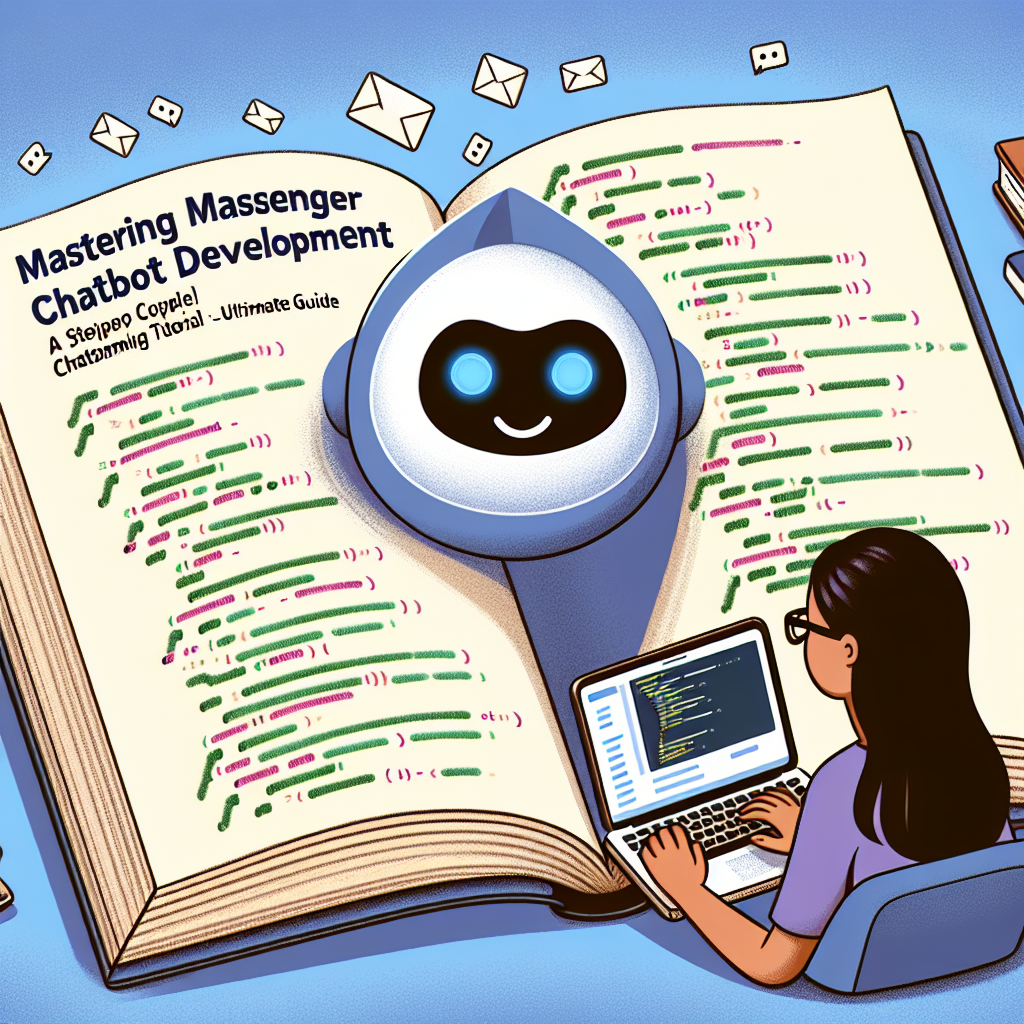
Mastering Messenger Chatbot Development: A Step-by-Step Tutorial – Ultimate Guide

Lucas Noah June 18, 2024
Messenger chatbot development tutorial

In this digital age, the use of chatbots has become increasingly popular for businesses looking to improve customer service, increase efficiency, and engage with their audience. Messenger chatbots, in particular, have gained traction as a powerful tool for companies to interact with clients on the popular messaging platform, Facebook Messenger.

If you’re looking to tap into the potential of Messenger chatbots for your business, mastering the development process is essential. In this step-by-step tutorial, we’ll guide you through the key steps in creating a successful Messenger chatbot.

Step 1: Define Your Objectives
Before diving into development, it’s important to clearly define the objectives you want your chatbot to achieve. Are you looking to provide customer support, generate leads, or drive sales? Understanding your goals will help guide the design and functionality of your chatbot.

Step 2: Choose a Platform
There are several platforms available for developing Messenger chatbots, including Chatfuel, ManyChat, and Dialogflow. Each platform offers its own set of features and capabilities, so it’s important to choose the one that best aligns with your objectives and technical expertise.

Step 3: Design Conversational Flows
One of the key components of a successful chatbot is its ability to engage users in meaningful conversations. Map out the conversational flow that users will follow when interacting with your chatbot, including greetings, responses to common queries, and calls to action.

Step 4: Build and Test Your Chatbot
Using your chosen platform, start building your chatbot by adding in the necessary conversation triggers, responses, and actions. Test your chatbot thoroughly to ensure that it functions as intended and provides a seamless user experience.

Step 5: Optimize and Improve
Once your chatbot is live, monitor its performance and collect feedback from users to identify areas for improvement. Continuously optimize and refine your chatbot to enhance its effectiveness and address any issues that arise.

Step 6: Promote Your Chatbot
To maximize the reach and impact of your Messenger chatbot, promote it across your marketing channels, including your website, social media profiles, and email campaigns. Encourage users to interact with your chatbot and provide feedback to help refine its performance.

By following these steps, you can master the development of a Messenger chatbot that drives engagement, enhances customer satisfaction, and delivers measurable results for your business. Embrace the power of chatbots and unlock new opportunities for growth and success in the digital landscape.

Continue Reading

Previous: The Ultimate Guide to Setting Up Your Own Discord Server – Ultimate Guide
Next: Unleash the Power of Line Marketing: Strategies for Success – Ultimate Guide

Express Posts List

Brief Introduction about the Famous TheOneSpy Cell phone Spy App Brief Introduction about the Famous TheOneSpy Cell phone Spy App
  • Android

Brief Introduction about the Famous TheOneSpy Cell phone Spy App

Lucas Noah March 31, 2022
The use of spy apps or monitoring software is on the rise, particularly for a few years....
Read More
4 Common Phone Problems And How To Resolve Them 4 Common Phone Problems And How To Resolve Them

4 Common Phone Problems And How To Resolve Them

March 28, 2022
Magisk App 23.0 (Magisk Manager) Latest Version for Android Magisk App 23.0 (Magisk Manager) Latest Version for Android

Magisk App 23.0 (Magisk Manager) Latest Version for Android

September 10, 2021
How to reset the factory settings (Factory Reset) of Android smartphones How to reset the factory settings(Factory Reset)of Android smartphones

How to reset the factory settings (Factory Reset) of Android smartphones

August 24, 2021
How to Extract Stock Boot.img from Android Device Extract Stock Boot.img from Android

How to Extract Stock Boot.img from Android Device

August 2, 2021

Posts Carousel

“DeFi Is the New Global Economy”: An In-Depth Interview with Super CEO, Alexey Salashny
  • article

“DeFi Is the New Global Economy”: An In-Depth Interview with Super CEO, Alexey Salashny

August 12, 2025
Erik Hosler Discusses AI for High-Precision Lithography in Advanced Nodes Erik Hosler Discusses AI for High-Precision Lithography in Advanced Nodes
  • Uncategorized

Erik Hosler Discusses AI for High-Precision Lithography in Advanced Nodes

June 3, 2025
Chicken Road Gioco: Slot Arcade di InOut Games Chicken Road Gioco: Slot Arcade di InOut Games
  • Uncategorized

Chicken Road Gioco: Slot Arcade di InOut Games

May 28, 2025
How Proxies Enable Efficient and Secure Multi-Account Management How Proxies Enable Efficient and Secure Multi-Account Management
  • article

How Proxies Enable Efficient and Secure Multi-Account Management

May 6, 2025
How Proxies Improve Performance for SEO Agencies and Digital Marketers How Proxies Improve Performance for SEO Agencies and Digital Marketers
  • article

How Proxies Improve Performance for SEO Agencies and Digital Marketers

May 6, 2025
Copyright © All rights reserved. | Oceanaexpress LLC | DarkNews by AF themes.