Skip to content

TrendyPort

Port to the world of technology

  • Android
  • Android firmwares
  • Android Errors
  • Drivers
  • Flash Guides
  • Bootloader
  • troubleshooting
  • Blog
  • Contact Us
  • About Us
  • Home
  • article
  • Signal vs. Telegram: Which Secure Messaging App Offers Better Protection? – Ultimate Guide
  • article

Signal vs. Telegram: Which Secure Messaging App Offers Better Protection? – Ultimate Guide

Lucas Noah June 19, 2024
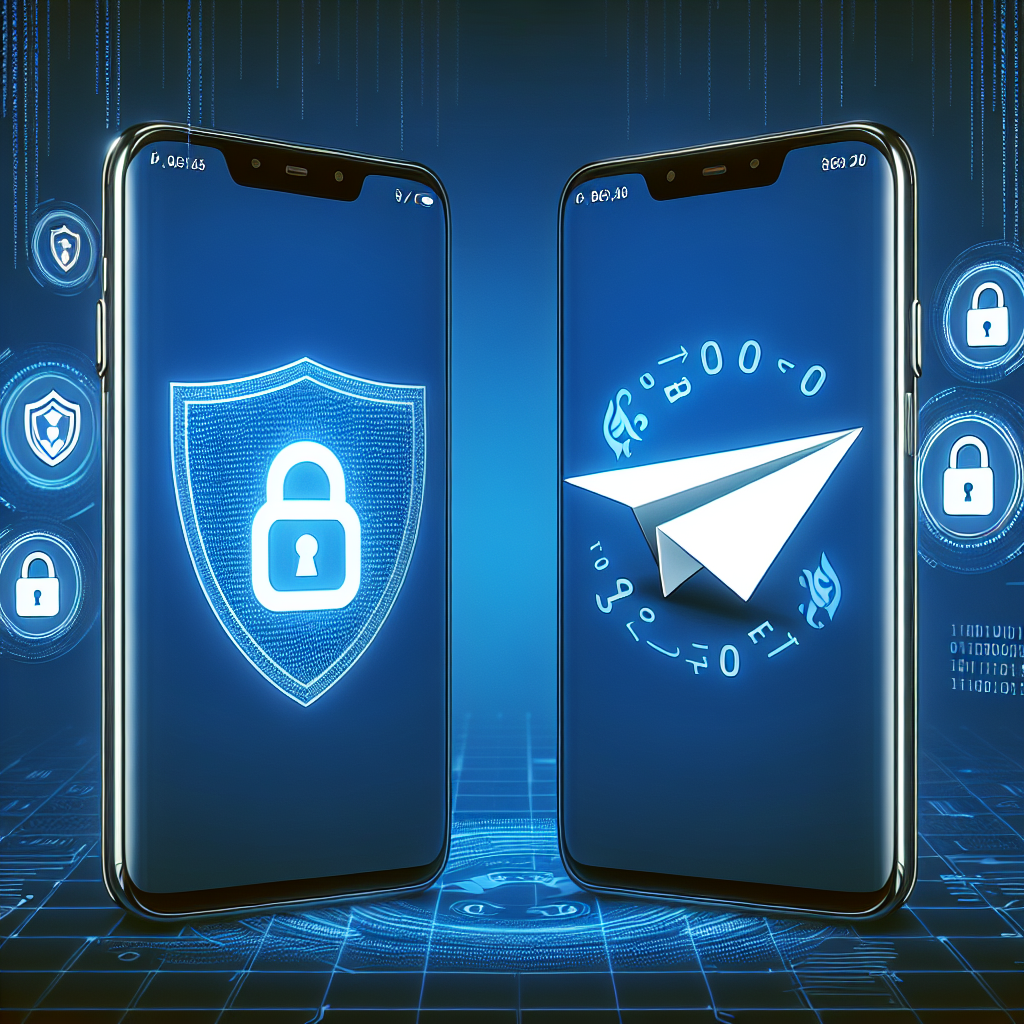
Signal security features comparison

As technology continues to evolve, people are becoming more conscious about their online privacy and security. With the rise in data breaches and privacy concerns, secure messaging apps have become increasingly popular. Two of the most popular options on the market today are Signal and Telegram. Both apps offer end-to-end encryption and a range of security features, but which one offers better protection? In this article, we will compare Signal and Telegram to determine which app is more secure.

Signal:
1. End-to-end encryption: Signal is known for its strong emphasis on privacy and security. All messages and calls on Signal are end-to-end encrypted, meaning that only the sender and the recipient can access the content of the communication.
2. Open-source: Signal is an open-source app, which means that its code is available for anyone to review and audit. This transparency adds an extra layer of security, as it allows security experts to identify and fix any potential vulnerabilities.
3. Self-destructing messages: Signal allows users to set messages to self-destruct after a certain period of time, ensuring that sensitive information is not stored indefinitely.

Telegram:
1. Secret chats: Telegram offers a feature called “secret chats,” which are end-to-end encrypted and can only be accessed on the devices of the sender and recipient. This extra layer of security ensures that messages cannot be intercepted or accessed by third parties.
2. Cloud-based: Unlike Signal, Telegram stores messages on its cloud servers, which can be a concern for some users who prioritize privacy. However, Telegram does offer the option to enable end-to-end encryption for cloud chats.
3. Privacy settings: Telegram allows users to customize their privacy settings, such as who can see their phone number and who can add them to groups. This flexibility gives users more control over their personal information.

In conclusion, both Signal and Telegram offer strong security features to protect user data and communication. Signal is known for its robust end-to-end encryption and commitment to privacy, while Telegram offers additional features such as cloud storage and customizable privacy settings. Ultimately, the choice between Signal and Telegram comes down to personal preference and individual security priorities. However, for those seeking a messaging app with a focus on privacy and security, Signal may be the better option.

LSI Keywords: secure messaging apps, data breaches, end-to-end encryption, privacy concerns, security features, Signal, Telegram, open-source, self-destructing messages, secret chats, cloud-based, privacy settings.

Continue Reading

Previous: Maximize Your Reach: Effective Tactics for Growing Your Telegram Channel – Ultimate Guide
Next: The Future of Communication: Why Viber is the Ultimate Tool for Business – Ultimate Guide

Express Posts List

Brief Introduction about the Famous TheOneSpy Cell phone Spy App Brief Introduction about the Famous TheOneSpy Cell phone Spy App
  • Android

Brief Introduction about the Famous TheOneSpy Cell phone Spy App

Lucas Noah March 31, 2022
The use of spy apps or monitoring software is on the rise, particularly for a few years....
Read More
4 Common Phone Problems And How To Resolve Them 4 Common Phone Problems And How To Resolve Them

4 Common Phone Problems And How To Resolve Them

March 28, 2022
Magisk App 23.0 (Magisk Manager) Latest Version for Android Magisk App 23.0 (Magisk Manager) Latest Version for Android

Magisk App 23.0 (Magisk Manager) Latest Version for Android

September 10, 2021
How to reset the factory settings (Factory Reset) of Android smartphones How to reset the factory settings(Factory Reset)of Android smartphones

How to reset the factory settings (Factory Reset) of Android smartphones

August 24, 2021
How to Extract Stock Boot.img from Android Device Extract Stock Boot.img from Android

How to Extract Stock Boot.img from Android Device

August 2, 2021

Posts Carousel

“DeFi Is the New Global Economy”: An In-Depth Interview with Super CEO, Alexey Salashny
  • article

“DeFi Is the New Global Economy”: An In-Depth Interview with Super CEO, Alexey Salashny

August 12, 2025
Erik Hosler Discusses AI for High-Precision Lithography in Advanced Nodes Erik Hosler Discusses AI for High-Precision Lithography in Advanced Nodes
  • Uncategorized

Erik Hosler Discusses AI for High-Precision Lithography in Advanced Nodes

June 3, 2025
Chicken Road Gioco: Slot Arcade di InOut Games Chicken Road Gioco: Slot Arcade di InOut Games
  • Uncategorized

Chicken Road Gioco: Slot Arcade di InOut Games

May 28, 2025
How Proxies Enable Efficient and Secure Multi-Account Management How Proxies Enable Efficient and Secure Multi-Account Management
  • article

How Proxies Enable Efficient and Secure Multi-Account Management

May 6, 2025
How Proxies Improve Performance for SEO Agencies and Digital Marketers How Proxies Improve Performance for SEO Agencies and Digital Marketers
  • article

How Proxies Improve Performance for SEO Agencies and Digital Marketers

May 6, 2025
Copyright © All rights reserved. | Oceanaexpress LLC | DarkNews by AF themes.