 Lucas Noah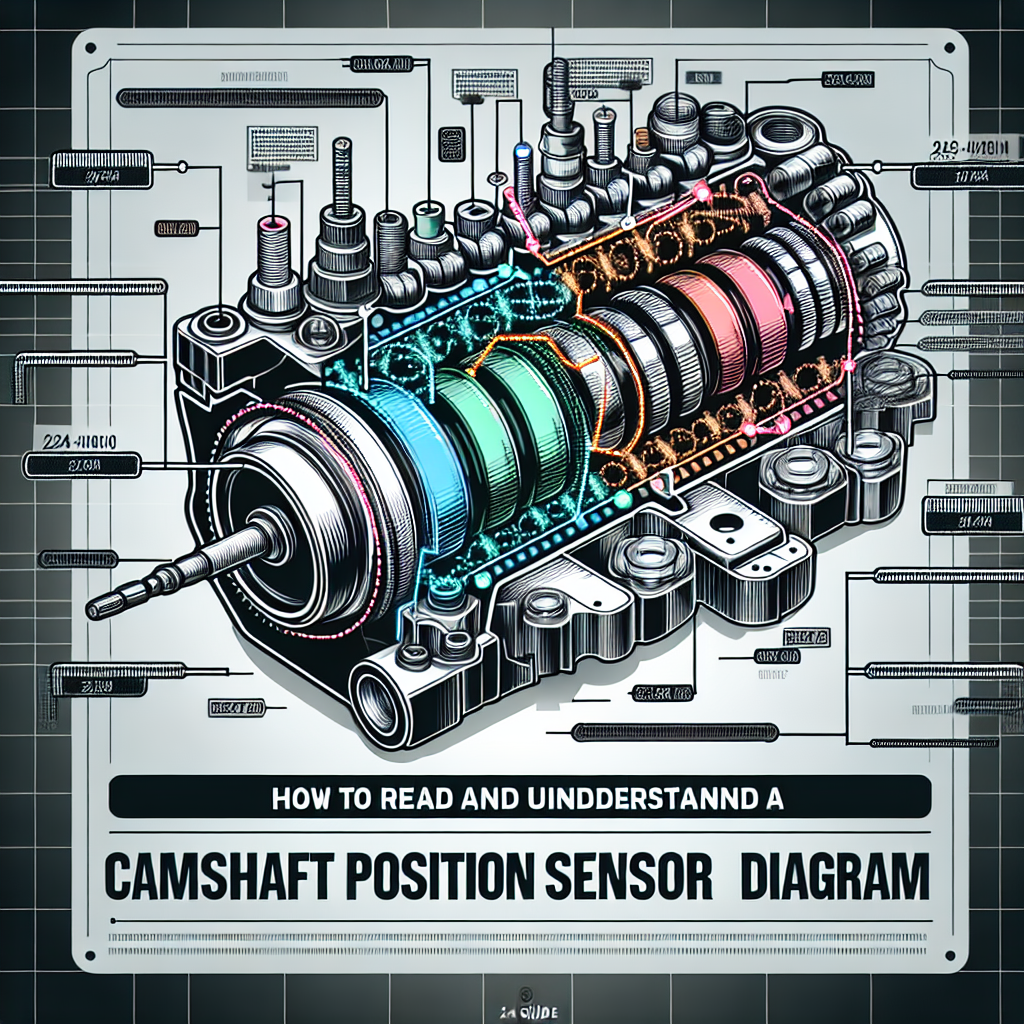
Understanding automotive systems can sometimes feel like cracking a complex code, especially when it comes to sensors and their diagrams. One such sensor, the camshaft position sensor, plays a crucial role in your engine’s performance. Whether you’re a professional mechanic or an enthusiastic DIYer, grasping how to read and understand a camshaft position sensor diagram is invaluable. In this comprehensive guide, I will walk you through the essentials of interpreting these diagrams, ensuring you gain expertise and confidence.
What is a Camshaft Position Sensor?
A camshaft position sensor (CPS) is an electronic device used to determine the position or rotational speed of the camshaft. These details are crucial for engine control units (ECU) to optimize fuel injection and ignition timing. Without an accurate reading from the CPS, your vehicle may suffer from performance issues, including misfires and inefficient fuel use.
The Importance of a Camshaft Position Sensor
Before diving into how to read the diagrams, it’s essential to understand why this sensor is so important. The CPS sends crucial data regarding the position of the camshaft to the ECU, which then uses this data to synchronize the fuel injection and ignition systems. This synchronization ensures optimal engine performance, fuel efficiency, and reduced emissions.
Symptoms of a Faulty Camshaft Position Sensor
- Check Engine Light: This will illuminate if the ECU detects a problem with the sensor.
- Stalling Issues: Erratic or unexpected stalling can occur.
- Poor Fuel Economy: Incorrect sensor data can cause improper fuel injection timings.
- Difficulty Starting: A bad sensor may prevent the engine from starting altogether.
Understanding these signs and knowing how to read a camshaft position sensor diagram can save you headaches and costly repairs down the line.
Components in a Camshaft Position Sensor Diagram
When you look at a camshaft position sensor diagram, it might seem overwhelming at first. However, breaking it down into smaller sections makes it much easier.
Basic Elements of the Diagram
- Camshaft Position Sensor: Represented by a specific symbol, often resembling a rectangular shape.
- Connector Pins: These show the electrical connections.
- Wiring: Lines indicating the flow of electricity.
- Power Supply: Usually indicated near the sensor, showing where the sensor draws power.
- Ground: Shows how the sensor returns excess electricity to the ground.
The diagram also includes symbols for resistors, capacitors, and sometimes integrated circuits (ICs).
Reading the Diagram: Step-by-Step
Step 1: Identify the Sensor
Look for the symbol that represents the camshaft position sensor. This is your starting point. By identifying this, you can follow how it connects with other parts.
Step 2: Locate the Connector Pins
Next, locate the connector pins, often labeled as Pin 1, Pin 2, etc. These are crucial for understanding how the sensor interfaces with the ECU and other components.
Step 3: Trace the Wiring
Carefully trace the wiring from the sensor to other parts of the diagram. Pay special attention to intersections, junctions, and splits.
Step 4: Analyze the Power Supply and Ground
Identify the source of power and how the sensor is grounded. This informs how the sensor is powered and what circuit it shares.
Step 5: Assess Additional Components
Finally, look for other components like resistors and capacitors. These can affect how the sensor operates and communicates with the ECU.
Common Wiring Configurations
Understanding common wiring configurations can demystify camshaft position sensor diagrams. Here are two prevalent configurations you’ll encounter:
Three-Wire Sensor
- Power: Typically a 5V or 12V supply from the ECU.
- Ground: Connects to the automobile’s chassis or a common ground rail.
- Signal Output: Sends data to the ECU.
Two-Wire Sensor
- Power: Similar to the three-wire, but often runs on lower voltage.
- Signal Ground: A combined ground and signal wire.
Reading Specific Symbols and Notations
Every diagram will include unique symbols and notations. Familiarize yourself with automotive electrical symbols for capacitors, resistors, and different types of connections.
Understanding Electrical Symbols
- Lines: Represent wires or electrical paths.
- Dots: Indicate connections or junctions where multiple wires meet.
- Arrows: Often show the direction of current flow or signal paths.
Practical Tips for Understanding Diagrams
- Use a Multimeter: Verify the connections visually in the car to match them with the diagram.
- Color Coding: Some diagrams use color codes for wires, making it easier to trace specific pathways.
- Notes and Legends: Refer to any notes or legends on the diagram for additional explanations.
Common Issues and Troubleshooting
Reading the diagram is only part of the job. You may often need to troubleshoot issues using the diagram. Here are common problems and how to address them:
Broken Wires
Use a continuity test with your multimeter to check for breaks in wires.
Incorrect Voltage
Measure the voltage at various points to ensure they match the diagram specifications. If not, there may be an issue with the ECU or power supply.
Bad Ground Connections
Inspect ground connections for corrosion or breaks. A poor ground can disrupt the entire sensor operation.
Advanced Diagnostic Techniques
In some cases, basic checks won’t suffice. Advanced troubleshooting can include:
Oscilloscope Analysis
An oscilloscope can provide a real-time visual representation of the sensor’s output signal. This tool helps pinpoint irregularities that a multimeter might miss.
ECU Diagnostic Tools
Advanced diagnostic software can pull error codes and real-time data from the ECU, providing deeper insights into potential issues.
Hands-On Example: Reading a Diagram
Let’s put theory into practice by working through a sample camshaft position sensor diagram.
Analyzing a Sample Diagram
1. Identifying the Sensor:
- Locate the rectangular symbol labeled as “CPS.”
2. Connector Pins:
- Check labels like “Pin 1,” “Pin 2,” etc., usually marked clearly.
3. Tracing Wiring:
- Follow each wire from the sensor to other components. Note intersections and splits.
4. Power and Ground:
- Identify where “+” and “-” symbols connect to the sensor.
5. Additional Components:
- Look for symbols indicating resistors (zigzag lines) and capacitors (parallel lines).
Verifying with Tools
Use a multimeter to measure voltage and resistance as you trace each section of the diagram on your vehicle. This hands-on approach ensures you understand both the theoretical and practical aspects.
Common Pitfalls and Misconceptions
Misinterpreting Symbols
Ensure you have a legend or guide to correctly interpret any symbols you’re unsure about.
Overlooking Grounding Issues
Many sensor problems stem from poor grounding. Always double-check these connections.
Ignoring Connector Pinouts
Misidentifying connector pins can lead to incorrect troubleshooting. Make sure to cross-reference your diagram with actual pinout information.
Additional Resources
For those wanting to dive deeper into automotive diagnostics, here are a few valuable resources:
Conclusion
Reading and understanding a camshaft position sensor diagram might initially seem daunting. However, by following the steps and techniques discussed in this guide, you’ll be able to decode these diagrams with confidence. The essential components, wiring configurations, and practical tips provided here aim to equip you with the knowledge to tackle this task effectively. Whether you’re a seasoned mechanic or a weekend DIYer, understanding these diagrams is a vital skill that enhances your troubleshooting capabilities.
Frequently Asked Questions
1. Why is my camshaft position sensor not getting power?
Answer: This could be due to a break in the wiring, a poor connection at the fuse box, or an issue with the ECU. Check for any visible damage and use a multimeter to diagnose the power supply.
2. Can a faulty camshaft position sensor cause the engine to shut down?
Answer: Yes, a faulty sensor can disrupt the engine’s timing, leading to unexpected shutdowns or stalls.
3. How often should I inspect the camshaft position sensor wiring?
Answer: Regular maintenance every 30,000 miles is a good rule of thumb, although more frequent checks can prevent minor issues from becoming significant problems.
4. Is it possible to clean a camshaft position sensor instead of replacing it?
Answer: While cleaning might resolve minor issues caused by grime or oil buildup, a faulty or damaged sensor generally requires replacement for reliable performance.