 Lucas Noah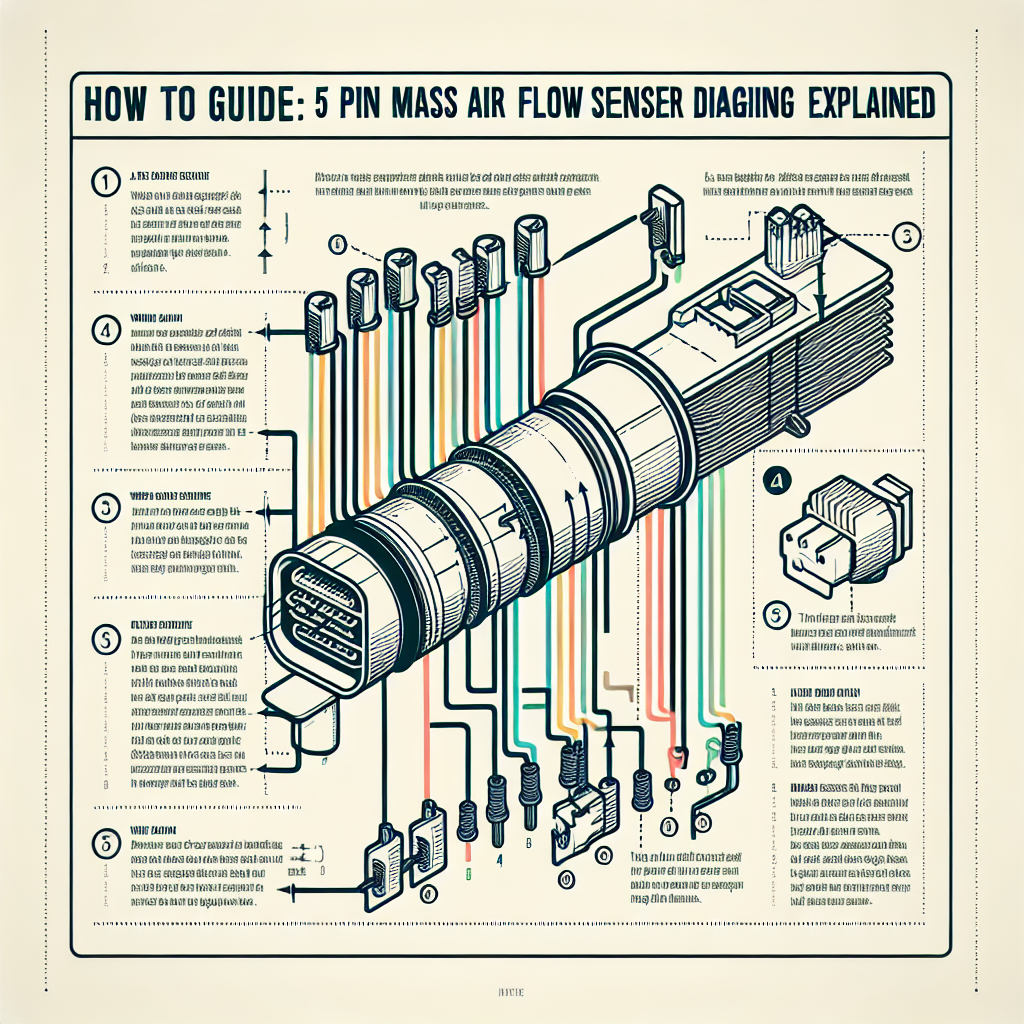
Mass Air Flow (MAF) Sensors are crucial components in modern automotive systems. They measure the quantity of air entering the engine to ensure optimal fuel-to-air ratios for efficient combustion. Among the various types of MAF sensors, the 5-pin variant is widespread due to its comprehensive functionality. This article provides an in-depth guide to understanding how to wire a 5-pin MAF sensor effectively. Drawing from years of automotive repair and DIY projects, I aim to make this guide both informative and easy-to-follow.
Understanding Mass Air Flow Sensors
Before diving into the wiring specifics, it’s essential to grasp the role of the MAF sensor in your vehicle. The sensor is tasked with measuring the air coming into the engine. This data is relayed to the Engine Control Unit (ECU), which then adjusts fuel injection parameters accordingly.
Why MAF Sensors are Important
MAF sensors contribute significantly to engine efficiency, performance, and emissions control. By accurately assessing air flow, they help in optimizing the fuel-to-air ratio. This optimization minimizes fuel consumption while maximizing power output, thereby improving the vehicle’s performance.
Different Types of MAF Sensors
MAF sensors come in various types, including hot wire, cold wire, and vane meter. Among these, the hot wire type is most commonly found in modern vehicles. The 5-pin MAF sensor falls under the hot wire category, and understanding its wiring can greatly aid in troubleshooting and repairs.
The Anatomy of a 5-Pin MAF Sensor
Understanding the anatomy of a 5-pin MAF sensor is crucial before you begin wiring. Such sensors usually consist of five pins, each performing a unique function:
- Power Supply (12V)
- Ground
- Intake Air Temperature Signal
- MAF Signal to ECU
- Burn Off Circuit
Pin Functions Explained
- Power Supply (12V): This pin is responsible for providing a constant 12V power supply to the MAF sensor.
- Ground: This pin is crucial for sensor stability, offering a grounding point.
- Intake Air Temperature Signal: Connected to the intake air temperature sensor built into the MAF unit, this pin sends temperature data to the ECU.
- MAF Signal to ECU: This pin sends the main air flow data to the Engine Control Unit.
- Burn Off Circuit: Specially designed to clean the MAF sensor, the burn-off circuit is activated periodically to remove any contaminants.
Tools You’ll Need
Before you start, it’s essential to gather the right tools. Here is a list:
- Multimeter
- Soldering Iron and Solder
- Heat Shrink Tubing
- Wire Strippers
- Electrical Tape
- Wiring Diagram for Your Specific Vehicle
Having these tools will make the job significantly more manageable and ensure reliable connections.
Step-by-Step Wiring Guide
Let’s dive into the step-by-step process of wiring a 5-pin MAF sensor.
Step 1: Disconnect the Battery
Before doing anything else, make sure to unhook the battery to avoid any accidental short circuits. This is a crucial safety step.
Step 2: Locate the MAF Sensor and the ECU
Identify the MAF sensor in your vehicle, usually located between the air filter and the intake manifold. Also, locate your vehicle’s ECU, as you will connect some wires directly to it.
Step 3: Wiring the Power Supply and Ground
- Power Supply (Pin 1): Connect the power supply pin to a 12V source. This could be a direct line from the battery (protected by a fuse).
- Ground (Pin 2): Connect the ground pin to a good ground point on the vehicle chassis.
Step 4: Connecting to the Intake Air Temperature Sensor
- Find the intake air temperature sensor in your vehicle and splice the wire to connect to Pin 3 of the MAF sensor. Use proper connectors, and ensure the connection is strong and insulated.
Step 5: Wiring the MAF Signal to the ECU
- Run a wire from Pin 4 of the MAF sensor to the corresponding signal input pin on your vehicle’s ECU. Consult the wiring diagram for your vehicle to identify the correct pin on the ECU.
Step 6: Connecting the Burn Off Circuit
- Pin 5 connects to the burn-off relay. This relay is usually controlled by the ECU and activates to clean the MAF sensor periodically. Ensure this connection is secure and insulated properly.
Final Check
Once all connections are made, reattach the battery and start the vehicle. Use a multimeter to check the voltage at different points to ensure everything is working correctly. If needed, consult your vehicle’s manual or online resources for troubleshooting tips.
Common Issues and Troubleshooting
Despite following the steps, you might come across some common issues. Here’s how to address them:
No Signal from MAF Sensor
- Check Connections: Ensure that all pins are correctly connected and there are no loose wires.
- Test Voltage: Use a multimeter to verify that the power supply is delivering 12V to the MAF sensor.
Incorrect Air Flow Readings
- Sensor Dirt: Clean the sensor with appropriate cleaner as dirt can cause inaccurate readings.
- ECU Fault: Sometimes, an issue may lie within the ECU itself, requiring further diagnostic.
Burn Off Circuit Not Activating
- Verify Relay: Check the burn-off relay for faults.
- Check ECU Commands: Make sure the ECU is sending the correct signal to activate the burn-off circuit.
Advanced Tips
For those experienced in automotive repairs, some additional tips might help you:
- Use OEM Parts: Always use original equipment manufacturer (OEM) parts for better reliability.
- Consult Online Forums: Communities like EngineLabs and AutoZone’s DIY Advice provide valuable insights and troubleshooting tips.
- Professional Training: For those who want to dive deeper, consider obtaining certifications from recognized institutions.
Frequently Asked Questions
What does each pin in the 5-pin MAF sensor do?
Each pin in a 5-pin MAF sensor has a unique function, including power supply, ground, intake air temperature signal, MAF signal to ECU, and the burn-off circuit.
Why is the burn-off circuit important?
The burn-off circuit helps in maintaining sensor accuracy by periodically removing contaminants from the sensor’s hot wire.
Can I use a 4-pin MAF sensor instead of a 5-pin?
No, a 5-pin MAF sensor has an additional burn-off circuit that a 4-pin sensor lacks. This is crucial for maintaining sensor accuracy over time.
What should I do if my MAF sensor isn’t working even after proper wiring?
Double-check the connections, ensure the power supply and ground are stable, clean the sensor, and consult your vehicle’s manual or a professional for further diagnostics
Conclusion
Understanding how to wire a 5-pin MAF sensor is not only useful for troubleshooting but is also a valuable skill for any automotive enthusiast. Armed with the right tools and a detailed guide, this task can be managed efficiently. Remember, always prioritize safety and consult your vehicle’s manual or a professional if you encounter any challenges. Happy wiring!
For more detailed automotive repair guides, check out our other articles here.
Learn more about MAF sensors and their types.
Join our automotive community for more tips and advice.